Introducing Mtschat: Instagram DM automation, built the official way
Mtschat turns comments, story replies and DMs into customers — on Instagram’s official API, with every feature on every plan, including Free.
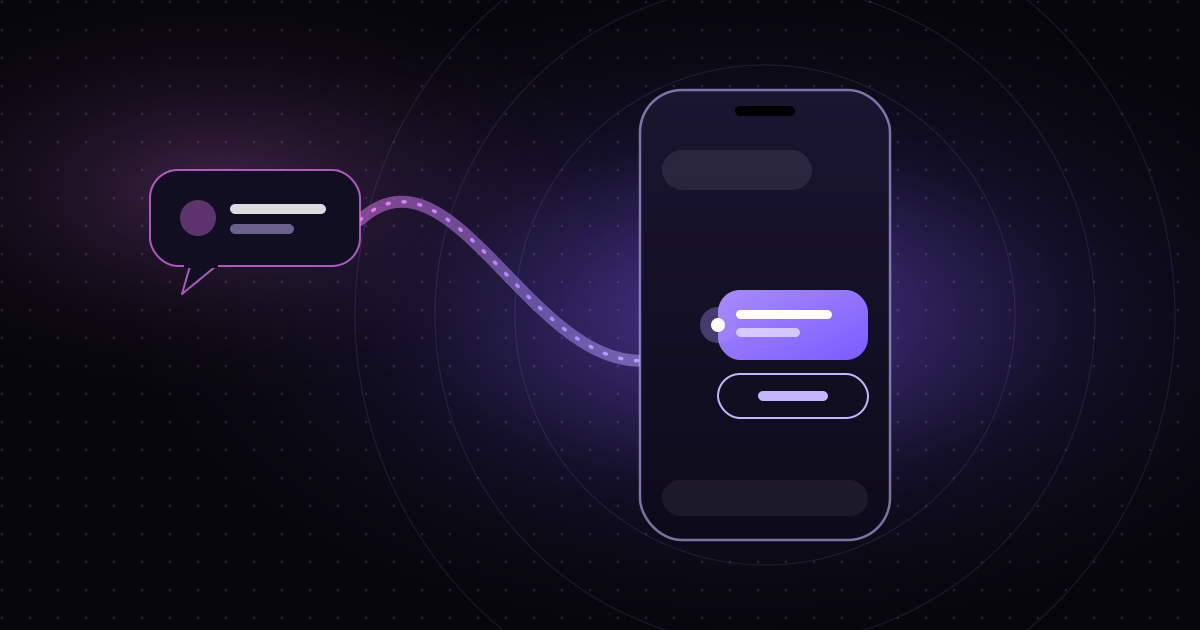
Today we’re launching Mtschat, a no-code platform for automating Instagram direct messages. It turns the comments, story replies and DMs you already receive into conversations that go somewhere — a link delivered, a question answered, a lead captured, a customer handed to the right person on your team.
This post explains why we built it, what it does on day one, and the two decisions that shape everything else: we only use Instagram’s official messaging API, and every feature is included on every plan, including Free.
Why we built Mtschat
If you post on Instagram for a living, you know the pattern. A Reel does well. The comments fill up with “link?”, “price?”, “how do I get this?”. Your DMs follow. Each of those messages is someone telling you, in public, that they want something from you.
Answering them by hand works until it doesn’t. Replies arrive late, the same question gets typed out forty times, and the people who asked first get buried under the people who asked last. The interest was real; the follow-through wasn’t.
Automation is the obvious fix, and plenty of tools have tried it. Too many cut corners to do it: logging in with your password, scraping the app, or messaging people who never reached out. Those shortcuts put the account at risk — and for most creators and businesses, the account is the business.
We wanted the opposite: automation that is fast to set up, easy to reason about, and built entirely on the rules Instagram publishes.
What Mtschat does
At its core, Mtschat listens for the moments when someone reaches out to you and responds with a conversation you designed. Those moments are:
- Comments on your posts and Reels, usually containing a keyword you chose.
- Story replies, when someone reacts to or answers one of your stories.
- Direct messages, whether it’s someone’s first message or their tenth.
From there, you decide what happens. You can start with a ready-made template or build your own flow from scratch.
Comment-to-DM, the flagship template
The template most people start with is “Auto-DM links from comments”. A creator posts a Reel that says “comment GUIDE and I’ll send it to you”. When someone comments GUIDE, Mtschat does two things: it posts a public reply under the comment so everyone can see you responded, and it sends a DM with a button. When the person taps the button, Instagram opens a 24-hour messaging window, and the link is delivered inside it.
That last step matters. The tap is the person choosing to continue the conversation, which is exactly what Instagram’s rules ask for. We cover the mechanics in detail in our step-by-step comment-to-DM guide.
Other templates
Alongside comment-to-DM, Mtschat ships with templates for common jobs: auto-replying to story replies, sending a welcome message to new conversations, capturing leads, and answering frequently asked questions. Each one is a starting point. Open it, change the words, adjust the logic, and publish.
Flow Builder
When a template isn’t enough, the Flow Builder gives you a drag-and-drop canvas. You connect blocks — messages, buttons, conditions, delays and tagging actions — into a flow. Before you publish, it flags loose ends, such as a button with nothing connected to it, so a contact never hits a dead end. Every published version is kept, so you can restore an earlier one if a change doesn’t work out.
Everything around the conversation
Automation is only part of the job. Mtschat also includes:
- Sequences — multi-step follow-ups that run inside the windows Instagram allows.
- Team Inbox — routing rules, hand-offs from the bot to a human, @mentions and role-based permissions, so the right teammate picks up the conversations that need a person.
- Contacts — tags, segments, CSV import and export, and duplicate merging.
- Broadcasts — send one message to many contacts, split into up to four versions for A/B testing.
- Insights — runs, link clicks, click-through rate and recorded conversions for each automation.
- Integrations — HubSpot, Mailchimp, Klaviyo, Shopify and Google Sheets, plus a REST API and signed webhooks.
Built on the official API
Mtschat is built on Instagram’s official Messaging API, using Meta’s Instagram API with Instagram Login or Facebook Login. In practice, that means three commitments:
- We never ask for your Instagram password. You connect your account through Meta’s own login screen, and we never see or store your password.
- We never log in as you. Mtschat doesn’t drive the app or impersonate your session. It sends messages through the API, the way Instagram intends.
- We only reply to people who reached out first. Every conversation starts with a comment, a story reply or a message from the other person.
These constraints shape the product. Broadcasts, for example, only reach contacts who have messaged you within the last 24 hours, because that is Instagram’s rule. Some tools look for ways around limits like that. We design inside them, and we think the result is better for everyone — including the people on the other end of your DMs. If you want the full picture, read our explainer on Instagram’s 24-hour messaging window.
Instagram first, on purpose
Mtschat launches with one live channel: Instagram. Messenger, WhatsApp and TikTok are on our roadmap, but we’re not rushing them.
Our reasoning is simple: perfect one channel first. Instagram has its own conventions — comment keywords, story replies, the 24-hour window, the way people expect a creator to respond. Getting those details right is what makes automation feel natural rather than robotic. We would rather do one channel properly than four channels adequately.
When new channels arrive, they’ll plug into the same Flow Builder, inbox, contacts and insights you already use.
Every feature, on every plan
The second decision we want to be clear about: every plan, including Free, includes every feature. Flow Builder, sequences, Team Inbox, broadcasts with A/B testing, insights, integrations, the API — all of it.
Plans differ only in scale and support:
- Free — $0. 100 active contacts, up to 4 live automations, 1 channel, 1 seat, community and help-centre support.
- Starter — $11/month. 1,000 active contacts, unlimited automations, 1 channel, 2 seats, email support.
- Advanced — $139/month. 25,000 active contacts, unlimited automations, 3 channels, 10 seats, priority support.
For larger volumes, talk to our sales team. You can cancel anytime without losing your data. Full details are on the pricing page.
We chose this model because feature-gating punishes the people who are just starting out. A creator with a few hundred followers deserves the same tools as a brand with a team — they just need fewer contacts and seats. If Mtschat works for you, you’ll grow into a bigger plan because your audience grew, not because we locked a button.
How to get started
Setting up your first automation takes a few minutes:
- Create a free account and connect your Instagram professional account through Meta’s login.
- Pick a template — “Auto-DM links from comments” is the easiest place to start.
- Choose your keyword, write the public reply and the DM, and add your link.
- Publish, then post content that tells people which word to comment.
Once it’s running, open Insights to see how many times the automation ran, how many people clicked, and what your click-through rate looks like.
What’s next
This is the first version, not the last. Over the coming months we’ll keep publishing guides on this blog — practical, specific walkthroughs on comment-to-DM, the 24-hour window, Flow Builder and more. We’ll also keep improving the product based on what we hear from the people using it.
If you have a question, a feature request, or something isn’t working the way you expect, write to us at hello@mtschat.com. We read everything.
Welcome to Mtschat.