Instagram’s 24-hour messaging window, explained
What opens Instagram’s 24-hour messaging window, what you can send inside it, why broadcasts only reach recent contacts, and how to design flows around it.
If you automate Instagram DMs through the official API, one rule shapes almost everything you build: the 24-hour messaging window. It decides when you can message someone, what you can send, and who a broadcast can reach.
It can feel like a limitation at first. In practice, it’s one of the reasons Instagram DMs still feel personal — and once you understand it, designing around it becomes second nature. This post explains how the window works and how Mtschat is built to respect it.
What the 24-hour window is
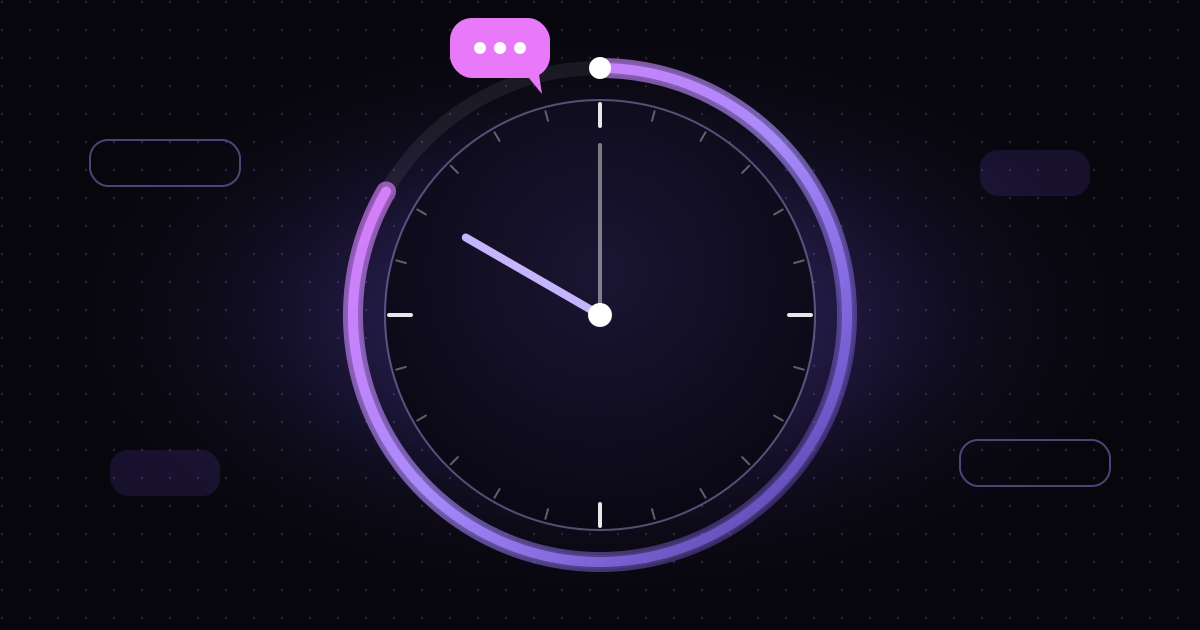
When someone messages your business account on Instagram, a window opens. For the next 24 hours, you can reply to them through the API — with automated messages, with messages from your team, or both.
Every time the person messages you again, the window resets to a fresh 24 hours from that new message. If they go quiet, the window closes 24 hours after their last interaction, and your automation can no longer start a new message to them until they reach out again.
The principle is simple: the person sets the pace. You can respond as long as they’re engaged, but you can’t keep messaging someone who has stopped responding.
What opens the window
The window opens when the other person takes an action that starts or continues a conversation with you. The common ones are:
- Sending you a direct message — any message, whether it’s their first or their fiftieth.
- Replying to your story — a story reply arrives as a DM and counts as the person messaging you.
- Tapping a button in your message — when someone taps a button you sent, that interaction opens a new window.
Where comments fit in
A comment on your post is public, not a direct message, so it doesn’t open a full messaging window on its own. Instagram does allow a business to respond privately to a comment, which is how comment-to-DM begins.
That’s why Mtschat’s comment-to-DM template sends a DM with a button rather than just the link. When the person taps the button, they’ve chosen to continue the conversation — and that tap opens the 24-hour window in which the link is delivered. We walk through the whole flow in our comment-to-DM guide.
What you can send inside the window
Inside an open window, you have a lot of freedom. Through Mtschat you can send:
- Text messages, including links.
- Messages with buttons that let people choose what happens next.
- Follow-up questions to learn what someone needs.
- Multi-step sequences, such as a link now and a short check-in a few hours later.
- Replies from a human teammate who has taken over from the bot.
The key constraint is timing. Everything you send must go out while the window is open. A follow-up scheduled for 30 hours after the last interaction won’t be sent, because by then the window has closed.
Outside the window
Once the window closes, your automations can’t start a new message to that person. They need to reach out again — by sending a DM, replying to a story or tapping a button — before you can respond.
Meta documents some narrow exceptions to the standard window, typically aimed at human support conversations rather than automation. Their availability and conditions are set by Meta, so check the current documentation rather than relying on them in your flow design. The safe default is to assume your automated messages must fit within 24 hours.
Why broadcasts only reach recent contacts
This is the question we hear most. You have 5,000 contacts in Mtschat. You send a broadcast. Why does it only go to a fraction of them?
Because a broadcast is a message you start, not a reply. Under Instagram’s rules, you can only message someone through the API if their window is open — so a broadcast can only reach contacts who have messaged you within the last 24 hours.
Mtschat applies this automatically. When you set up a broadcast, it targets eligible contacts only. There’s no setting to override it, because doing so would break Instagram’s rules and put your account at risk.
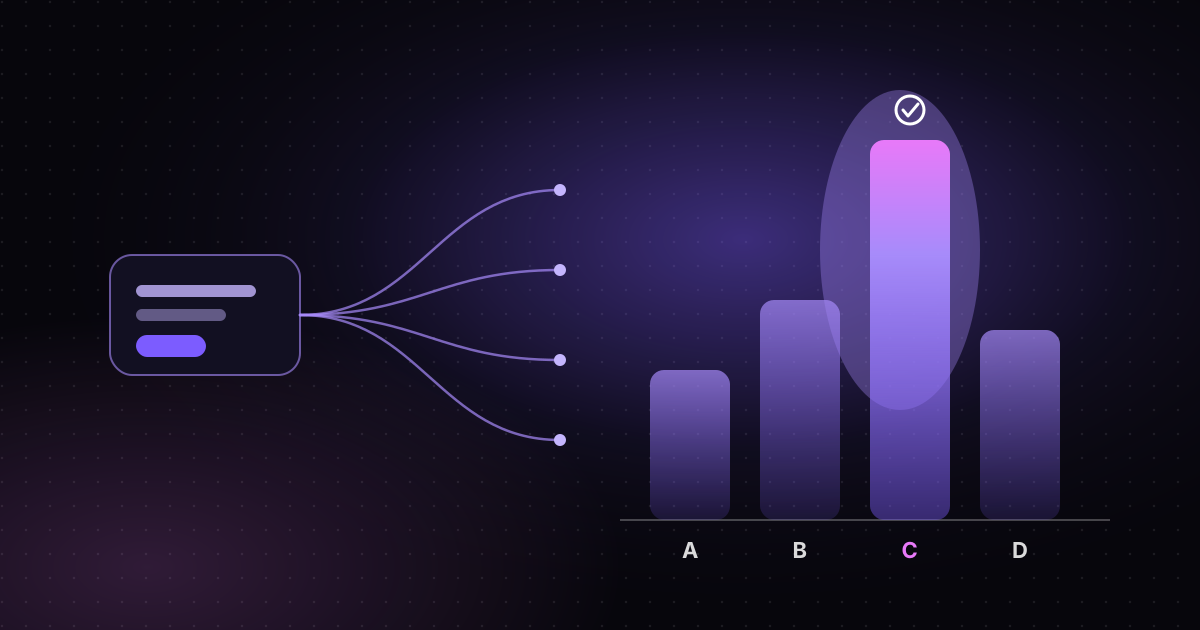
This changes how you should think about broadcasts. They aren’t an email newsletter for your entire audience. They’re a way to send a timely message to the people who are actively engaged with you right now — for example, everyone who commented on today’s launch Reel and tapped through. Within that group, you can still split a broadcast into up to four versions to test what works best; see our guide to broadcast A/B testing.
Designing flows around the window
Good Instagram automation works with the window, not against it. A few principles we recommend:
1. Deliver value first, and fast
The moment someone opens a window is the moment they’re most engaged. Send what they asked for immediately. Don’t delay the link behind a series of questions — if they lose interest, the window starts ticking away with nothing delivered.
2. Keep follow-ups inside 24 hours
Sequences in Mtschat run multi-step follow-ups inside the allowed window. Plan them that way. A practical pattern is: deliver the link now, send one helpful follow-up a few hours later, and stop. If you add a delay block in Flow Builder, make sure the total time from the person’s last interaction stays within the window.
3. Use buttons to extend the conversation naturally
Each time someone taps a button or replies, their window resets. A follow-up that ends with a useful question and two or three answer buttons gives people an easy way to keep the conversation going — if they want to.
4. Tag people while the window is open
Once the window closes, you can’t ask questions. Use the open window to learn what you need: add a tag when someone picks “Beginner” or “Advanced”, or when they click a particular link. Those tags stay on the contact and help you send the right message next time they reach out.
5. Hand off to a human early
If someone asks something the bot can’t answer, route the conversation to your Team Inbox promptly. A teammate replying within the window keeps the conversation alive; a reply that arrives two days later may not be deliverable through the API.
6. Plan content that reopens windows
Your posting schedule is your messaging schedule. Content that invites comments, story replies or DMs is what makes future messages possible. Think of each post as an opportunity to open conversations, not just collect views.
A worked example
Imagine a fitness creator launching a free four-week plan. Here’s how the window shapes the flow:
- A Reel says “comment PLAN”. Someone comments PLAN.
- Mtschat replies publicly and sends a DM with a “Send me the plan” button.
- They tap the button. The 24-hour window opens.
- The plan link arrives immediately, followed by a question: “Training at home or at the gym?” with two buttons.
- They pick “Home”. The window resets, the contact is tagged “home”, and they receive a short note about the home version of week one.
- A few hours later, still inside the window, a sequence sends one check-in: “Did the plan open OK?”
- The conversation ends there. If they reply later, a new window opens and the conversation can continue.
Nothing in that flow chases anyone. Every message is a response to something the person did.
Why the window is worth respecting
It’s tempting to see the 24-hour window as friction. We see it as the reason DMs work. People open Instagram messages because they mostly come from people they chose to talk to. Rules like this keep it that way.
Mtschat is built on Instagram’s official Messaging API, never asks for your password, and only replies to people who reached out first. Respecting the window is part of the same commitment — and it keeps your account in good standing.