Measuring Instagram DM performance: the numbers that matter
Runs, link clicks, CTR and recorded conversions — how to set up conversion tracking, run a simple weekly review and compare cohorts with tags and segments.
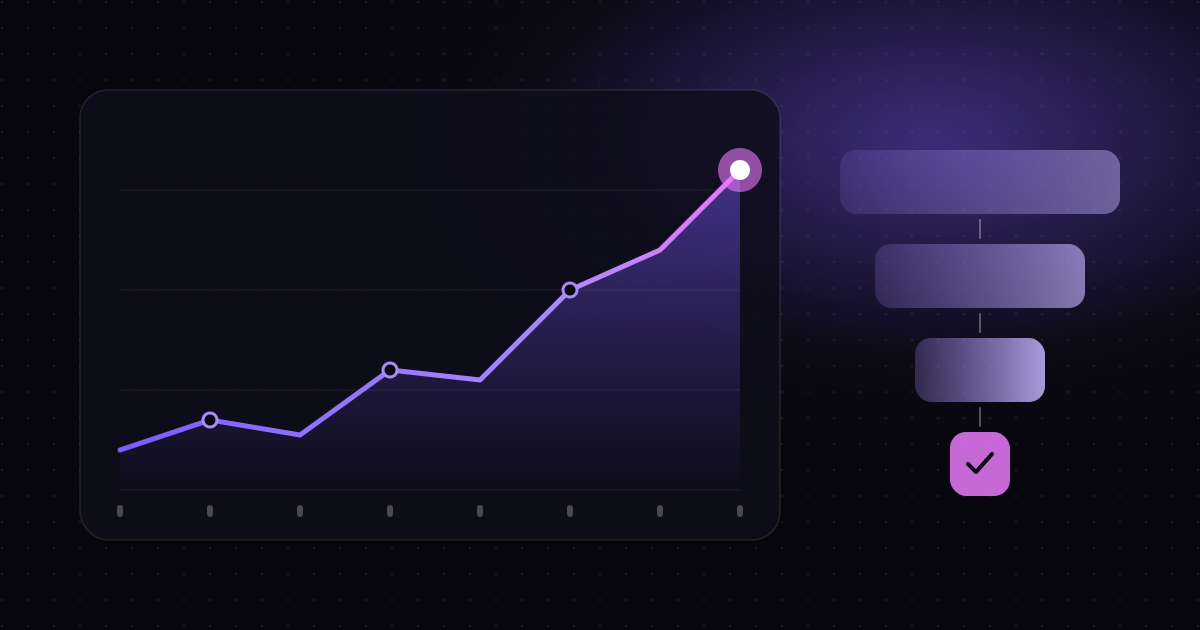
DM automation is easy to set up and easy to forget about. A flow goes live, messages start flowing, and it feels like it is working. But “it feels like it is working” is not a number you can improve. This guide covers the four metrics Mtschat tracks, how to connect real outcomes like purchases and sign-ups, and a weekly review routine that takes about twenty minutes.
The four numbers in Insights
Every automation and broadcast in Mtschat reports the same core metrics in Insights. Each one answers a different question.
Runs — “How many people did this reach?”
A run is one time an automation fires for one person. If 300 people comment “GUIDE” on your Reel and your comment-to-DM flow responds to each of them, that is 300 runs. Runs tell you about volume and reach. They are the denominator for everything else.
A sudden drop in runs is usually a trigger problem, not a messaging problem: the keyword changed, the post was archived, or the automation was paused.
Link clicks — “How many people took the next step?”
Link clicks count how many times people tapped through to a link you sent. For most flows, this is the first moment of real intent — someone moved from your DMs to your product page, booking form or download.
Click-through rate — “How persuasive was the message?”
CTR is link clicks divided by runs. It is the fairest way to compare two automations with different volumes. A flow with 2,000 runs and 200 clicks (10%) is converting attention less efficiently than a flow with 400 runs and 80 clicks (20%), even though it produced more clicks overall.
Conversions — “Did it produce the outcome I care about?”
Conversions are the events you choose to record: a purchase, a sign-up, a booked call. They connect your DMs to results. Unlike the first three metrics, conversions need a little set-up, because Mtschat has to learn when the outcome actually happened.
Setting up conversions
There are two common ways to record conversions in Mtschat. Pick the one that matches where your outcomes happen.
Option 1: the Shopify integration
If you sell through Shopify, connect it from the Integrations page. Once connected, orders can be recorded as conversions against the contact and the automation that sent them, so purchases appear in Insights alongside runs and clicks.
This is the quickest route for product businesses. A creator selling merch, for example, can see which Reel’s comment-to-DM flow actually led to orders — not just which one got the most comments.
Option 2: webhooks and the REST API
If your outcome happens somewhere else — a course platform, a booking tool, your own app — use the REST API or webhooks. The general pattern looks like this:
- Decide what counts as a conversion. Be specific: “paid enrolment”, not “visited the course page”.
- Make sure the link you send in the DM carries enough information to identify the contact on the other side, for example through a tracked link or a parameter your system can read.
- When the outcome happens, have your system send an event to Mtschat through the REST API, identifying the contact and the conversion.
- Use Mtschat’s signed webhooks in the other direction when you need your systems to react to events in Mtschat — and verify the signature before trusting the payload.
If you already sync contacts to HubSpot, Mailchimp, Klaviyo or Google Sheets, those integrations are useful for downstream reporting too, but the conversion number in Insights is what lets you compare automations directly.
Start with one conversion
It is tempting to track everything. Resist it. Pick the single outcome that matters most this quarter, set it up properly and make sure it is recording accurately before adding more. One trustworthy conversion is worth more than five noisy ones.
A simple weekly review
Metrics only help if someone looks at them regularly. A short, fixed routine beats an occasional deep dive. Here is a weekly review you can run in about twenty minutes:
- Scan runs for every live automation. Anything at zero or sharply down from last week? Check the trigger first.
- Rank by CTR. Look at your three best and three worst. What is different about the messages — length, button label, the offer?
- Check conversions against clicks. A flow with a high CTR and few conversions may be attracting curiosity rather than intent. A flow with a modest CTR and strong conversions may deserve more traffic.
- Review last week’s broadcasts. If you ran a split test, note which version won and whether it agrees with earlier tests.
- Pick one change. Choose a single improvement for the coming week — rewrite one opening line, add one follow-up step, retire one flow that no longer earns its place.
- Write it down. A shared doc or spreadsheet with the date, the metrics and the change you made. In a month you will have a record of what worked.
The discipline of “one change per week” matters. If you change five things at once, you will not know which one moved the numbers.
Comparing cohorts with tags and segments
Overall numbers hide a lot. The same flow can perform very differently for different groups of people. Tags and segments in Contacts let you split the picture apart.
Tag at the source
Add tagging actions in your flows so every contact carries a record of how they arrived. In the Flow Builder, a tagging block can mark contacts as, say, source-reel-guide, source-story-quiz or source-welcome. Tags can also record intent — asked-pricing, clicked-checkout — based on which button someone tapped. Our tutorial on building your first Flow Builder funnel shows where tagging fits in a typical flow.
Build segments to compare
Once contacts are tagged, build segments and compare them:
- By entry point. Do people who arrive from Reel comments convert better than people who arrive from story replies?
- By intent. Of contacts who asked about pricing, how many went on to purchase compared with everyone else?
- By timing. Do contacts acquired during a launch week behave differently from those who arrive through evergreen content?
Segments also make your broadcasts sharper. Instead of messaging everyone who was active in the last 24 hours, you can message the active contacts in one segment and test a message written specifically for them. Our guide to A/B testing broadcasts covers how to read those tests.
Use exports for deeper analysis
When you want to go beyond what Insights shows, export a segment as CSV and analyse it in a spreadsheet, or sync contacts to Google Sheets through the integration. That is often the easiest way to answer one-off questions without building a dashboard.
Common measurement mistakes
- Celebrating runs. High volume is good, but it is not the goal. A flow with thousands of runs and no conversions is a cost, not an asset.
- Comparing raw clicks across different volumes. Use CTR for comparisons, and keep the absolute numbers in view so you do not over-read small samples.
- Moving the goalposts. If you change what counts as a conversion, note the date. Otherwise last month and this month are not comparable.
- Reviewing only when something breaks. A regular review catches slow declines that never trigger alarm.
Start small, stay consistent
You do not need a complex analytics stack to measure DM performance well. Four numbers, one well-defined conversion, a handful of tags and twenty minutes a week will tell you more than most teams know about their Instagram messaging. Insights, tags, segments and integrations are included on every Mtschat plan, Free included, so you can set this up today and have your first weekly review next Monday.